A set amount of data for a set period.
Key facts
- COVERAGE
- 36 countries
- PLAN TYPE
- Data only
- IP ADDRESS LOCATION
- United Kingdom
- DELIVERY
- QR code by email
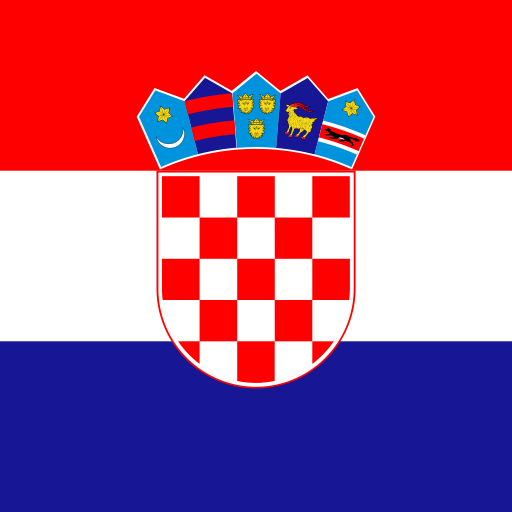
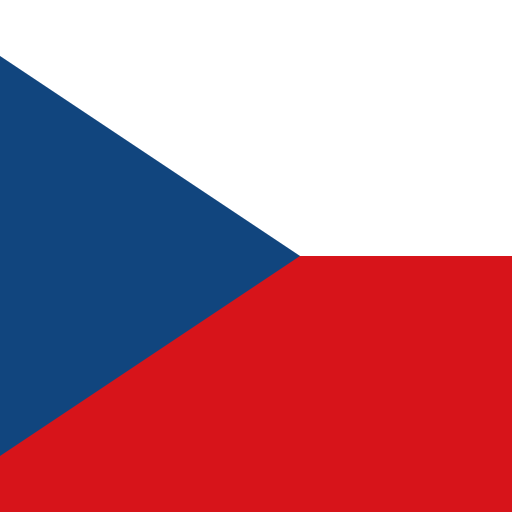
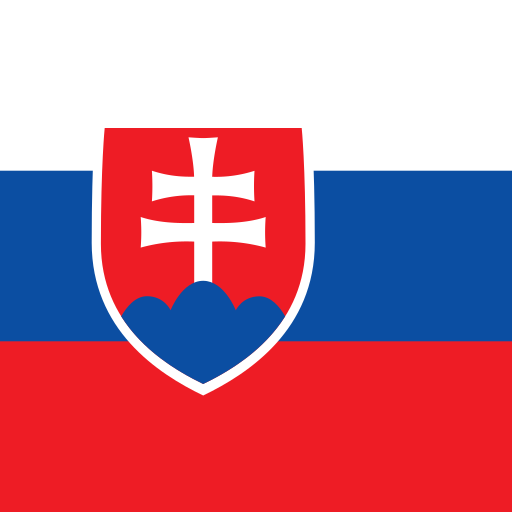
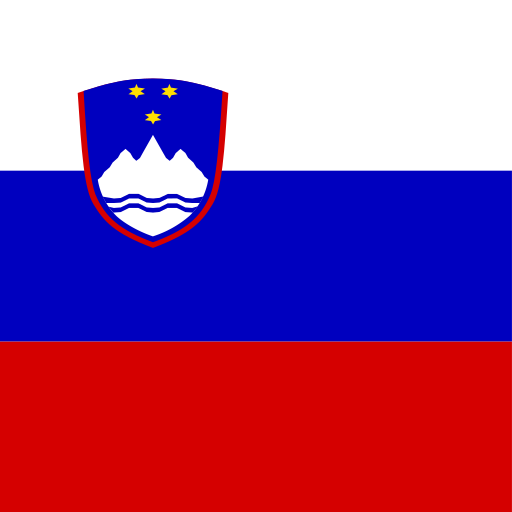
Countries covered
The Europe plan works in all of these.
































Questions about the Europe eSIM
Does it work in every country on the list?
Is France included?
Will my phone work with an eSIM?
Can I use one eSIM for a trip that starts in one country and ends in another?
What happens if I travel to a country that is not on the list?
Will the plan work on a cruise ship?
Can I keep using WhatsApp with my own number?
Is the Europe plan a good choice if I am only visiting one country?
Can I add data if I run out halfway through the trip?
Travelling around Europe with one eSIM: a practical guide
Many trips to Europe cross at least one border. A city break in Vienna becomes a day in Bratislava, a rail pass takes you from Amsterdam to Rome over three weeks, or a road trip starts in Lisbon and ends somewhere in the Pyrenees. Buying a separate SIM in every country is slow, and roaming charges on a non-European SIM can add up quickly.
The Spidot Europe plan is a single data eSIM that works in 36 countries. You install it once before you leave, and it connects to local networks as you move from country to country. This guide explains which trips it suits, when a single-country plan is the better choice, how much data to buy, and what to expect on trains, roads, ferries and cruise ships. Plans start from $5.90.
Which countries the plan covers
The Europe plan covers 36 countries. The full list is shown on this page, above the article, and it is the list that counts: before you buy, check every country on your route against it, including the ones you will only pass through on a train or drive across for an afternoon.
"Europe" means different things to different people, so a few points are worth checking carefully:
- Countries outside the EU. Some popular destinations, such as Switzerland, Norway, Iceland and the United Kingdom, are not in the European Union. Whether each one is included is shown in the country list; do not assume it from the plan name.
- Small states and territories. Microstates and overseas or autonomous territories are not always treated like their neighbours by mobile networks. If your trip includes one, check that it appears in the list by name.
- Islands. Popular islands generally use the networks of the country they belong to, but coverage away from the main towns can be patchier than on the mainland.
- Countries on the edge of the continent. If your itinerary continues into North Africa, the Caucasus or the Middle East, plan for that part of the trip separately.
If a country on your route is not listed
Most eSIM-capable phones can hold several eSIMs at once, so you can add a second plan for the country that is not covered and switch your mobile data line when you get there. Install both before you travel while you have Wi-Fi, and only turn on data roaming for the line you are using in that country.
When a single-country plan is the better choice
A regional plan is convenient, but it is not automatically the right choice. If you are spending the whole trip in one country, a plan for that country is usually simpler and may offer a better fit for the amount of data you need. Compare the options for the country you are visiting, for example France, Italy, Spain, Germany, Greece or Portugal, and look at the plan sizes and prices side by side with the Europe plan on the prices page.
As a rough rule:
- One country, even for a long stay: start with the single-country plan.
- One main country plus a short trip across a border: compare both. A day trip from Austria into a neighbouring country is exactly the case where the Europe plan saves you a second purchase.
- Two or more countries with several days in each: the Europe plan is usually the simpler choice, because one eSIM and one data balance cover the whole trip.
- A rail pass, road trip or cruise: the Europe plan, because you will often cross borders without much warning.
eSIM, roaming or local SIM cards
There is no single right answer here, and it depends a lot on where your own SIM comes from.
Roaming with your home SIM
If your SIM is from an EU or EEA country, EU "Roam like at Home" rules usually let you use your normal allowance in other EU and EEA countries, within your provider's fair-use policy. For many European residents that is enough. The rules do not apply to many SIMs from outside the EU, including many from the UK, the US, Canada and Australia, and they do not automatically cover every country in geographic Europe. Ask your provider what roaming would cost on your route before relying on it.
Local SIM cards
Buying a prepaid SIM on arrival gives you a local number, which can be useful for longer stays. On a multi-country trip the downside multiplies: each country has its own operators, shops, opening hours and registration rules, and a SIM bought in one country may roam expensively, or not at all, in the next.
A regional travel eSIM
A Spidot eSIM is installed before you leave and covers the whole route with one data balance. You keep your own SIM in the phone for calls and texts. The trade-off is that Europe plans are data-only, so you do not get a local phone number. Messaging and calling apps work normally over data, and if you need a number for calls, look at Data + calls plans.
What happens when you cross a border
In most cases, nothing you need to act on. When you leave one country, your phone loses the networks there and searches for a network in the next country. This usually takes from a few seconds to a couple of minutes, and you may briefly see "No service" while it happens.
If your phone has not reconnected after a few minutes:
- Turn airplane mode on, wait ten seconds and turn it off again.
- Check that data roaming is still on for the Spidot line. Our data roaming guide shows where the setting is on iPhone and Android.
- If you chose a network manually earlier in the trip, set network selection back to automatic. A manual choice from one country will not work in the next.
- Restart the phone if none of the above helps.
Border areas
Near a border, your phone may connect to a network on the other side even though you have not crossed yet. This is normal and harmless on the Europe plan as long as both countries are covered. If the neighbouring country is not on the list, keep an eye on the network name shown in your phone's status bar or settings.
Your IP address location
Websites see an IP address located in United Kingdom, wherever you are in Europe. Some sites may therefore show prices, language or content for that country, and some apps may ask you to confirm your location. This does not affect maps or GPS, which use your phone's location services.
How much data to buy
Data use varies a lot from person to person, so treat these figures as rough guides rather than promises. As approximate examples: an hour of navigation with an online map uses tens of megabytes, a video call can use several hundred megabytes an hour, and streaming video in high quality can use one gigabyte or more per hour. Messaging, email and checking train times use very little.
- A long weekend in two cities: maps, messaging, tickets, some social media. A smaller fixed data plan is usually enough.
- Two weeks across three or four countries: daily navigation, booking accommodation as you go, photos shared on social media and the occasional video call. Choose a mid-sized plan.
- A month on a rail pass or road trip: you will rely on your phone every day for routes, timetables and bookings. Choose a larger plan, or an unlimited plan if one is offered for this destination.
- Working remotely or sharing your connection with a laptop: budget generously; laptops use far more data than phones.
Ways to make data last longer
Download offline maps for each country before you leave home, set photo backup to Wi-Fi only, and lower the streaming quality in video and music apps. If you run low, you can check how much data is left and add more data without changing your eSIM. For long trips with an uncertain end date, a no-expiry plan may suit you better, where available.
Interrail, Eurail and long train journeys
Rail travel is one of the main reasons people choose a regional plan. On an Interrail or Eurail pass you may cross several borders in a day, and you will want to check connections, reserve seats and look up the next hostel while you are moving.
Mobile coverage on trains is generally good near cities and along main lines, but expect gaps in tunnels, in deep valleys and on mountain routes such as those through the Alps. A few habits help:
- Download your rail pass app and tickets before you board, and make sure they open offline.
- Save seat reservations and booking confirmations as screenshots or offline files.
- Download offline maps for the city you are arriving in, so you can find your way from the station if the signal drops.
- Do not worry if the phone loses signal in a tunnel; it will reconnect when you come out.
- On night trains, the phone may switch countries while you sleep. Check the connection when you wake up and follow the border steps above if needed.
Under the Channel
If you travel on Eurostar or drive through the Channel Tunnel between the UK and the continent, expect the connection to be unreliable for part of the crossing. Whether the United Kingdom is part of your plan is shown in the country list on this page; if it is not, add a UK plan for that part of the trip.
Road trips and driving across borders
Navigation is the main use of data on a road trip. Most navigation apps use only modest amounts of data, but traffic updates and searching for petrol stations, car parks or restaurants add up over a long day of driving.
- Set up navigation before you start driving, and mount the phone rather than holding it.
- Download offline maps for every country and region on your route. In mountains, forests and remote coastal areas the signal can disappear for long stretches.
- Keep a charging cable in the car; navigation with the screen on uses a lot of battery.
- If a passenger needs internet, share your connection with a hotspot rather than buying a second plan for a short trip (see below).
- Check before you travel whether the countries you drive through use motorway vignettes or tolls, and whether they can be bought online. Rules differ from country to country.
Ferries, island hopping and cruises
The Europe plan uses land-based mobile networks. Near the coast and in ports, your phone will usually connect normally. Out at sea, coverage fades as you move away from land, so on longer crossings expect to be offline for part of the journey.
Ferries
On short crossings, such as between Greek islands, across the Adriatic or in the Baltic, you are often within range of land for much of the trip. Download your tickets and boarding passes before you leave port, and check that both ends of the crossing are in the country list. Island hopping in Greece or along the coast of Croatia works well on either a single-country plan or the Europe plan, depending on whether the rest of your trip crosses borders.
Cruise ships
Many cruise ships run their own onboard mobile network at sea. That network is not part of your Spidot plan, and connecting to it through your home SIM can be expensive. When the ship leaves port, turn data roaming off or switch on airplane mode, and use the ship's Wi-Fi if you need to be online. Turn data roaming back on for the Spidot line when you are in port in a covered country.
Installing the eSIM before you travel
Install the eSIM at home, on Wi-Fi, a day or two before you leave. You need an internet connection to download it, and it is much easier to solve a problem from your sofa than in an arrivals hall. First check your phone supports eSIM and is carrier-unlocked.
Step-by-step instructions are in our guides for iPhone, Samsung and Pixel. During installation, label the new line clearly, for example "Spidot Europe", so you can tell the lines apart later. If you also bought a plan for a country outside the list, give that one its own label.
When you land
Your phone does the rest once you arrive. Before you leave the plane or train:
- Set the Spidot line as the line for mobile data.
- Turn on data roaming for the Spidot line.
- Keep your home line on for calls and texts if you want, but turn data roaming off for it so it does not use data.
- Wait a minute for the phone to find a network, then open a map to check the connection.
Public Wi-Fi on the way
Airports, stations, trains and cafes across Europe offer free Wi-Fi. It is convenient for large downloads, but you cannot always tell who runs a network. Avoid entering bank details or passwords on open Wi-Fi, check that websites use https, and switch to mobile data for anything sensitive.
Sharing your connection
You can usually use your phone as a personal hotspot to connect a laptop, tablet or a travel companion's phone. All connected devices draw from the same data balance, and laptops in particular can use a lot of data in the background through updates and cloud syncing. Pause automatic updates and file syncing before connecting a laptop.
If two people are travelling together for a long time and both rely on data every day, a plan for each phone is often more practical than one shared hotspot, since the phone sharing its connection has to stay nearby and charged.
Practical tips for a multi-country trip
A few things make a trip across several countries smoother:
- Currencies differ. Many countries use the euro, but several in Europe have their own currency. Contactless card and phone payments are widely accepted in most cities, but carry some cash for small shops, markets and rural areas.
- Transport apps are local. Each country and city tends to have its own public transport and rail apps. Install the main ones for your route before you travel, while you are on Wi-Fi.
- Maps and translation. Download offline maps and offline language packs for a translation app; both work without data once downloaded.
- Emergency number. 112 works across the EU and in many other European countries, from any phone.
- Plugs and charging. Plug types vary across Europe, and a phone used all day for navigation needs charging. A universal adapter and a power bank are worth packing.